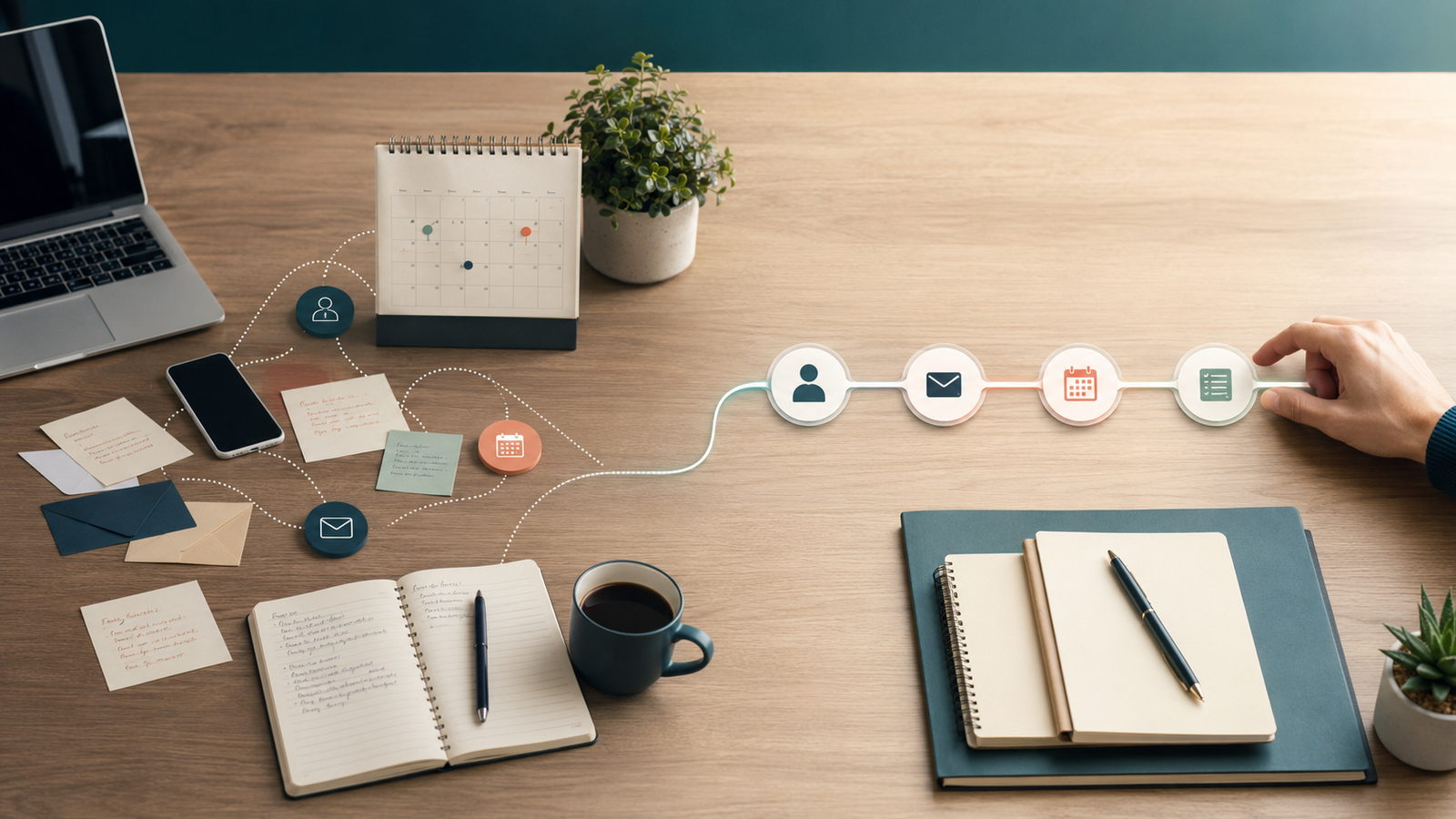
You see the email and think, “I’ll follow up later.”
You notice the unconfirmed appointment and think, “I’ll check on that tomorrow.”
You remember the proposal that has been sitting for a week, the old lead who might be ready now, and the new subscriber who received the download but never heard from you again.
None of these tasks is especially difficult.
That is part of the problem.
Small tasks are easy to postpone because each one feels as if it can wait. Then client work gets busy, another inquiry comes in, the inbox refills, and “later” quietly becomes never.
This is usually described as procrastination.
I think that diagnosis is too convenient.
When the same important task repeatedly gets postponed, the process may be asking a human to remember something the system should trigger.
“I’ll do it later” is often a wiring problem wearing a productivity costume.
The task is small. The cost is cumulative.
One delayed follow-up may not change the business.
But recurring delays create a pattern:
- Inquiries cool before they receive a useful response.
- Potential clients forget why they reached out.
- Appointments are missed because reminders were inconsistent.
- Proposals lose momentum.
- New subscribers receive the promised resource but no path forward.
- Former leads remain buried in the CRM.
Each missed step looks minor in isolation. Together, they create a steady revenue leak.
The leak is hard to see because nothing dramatic happens. There is no error message announcing that a good-fit lead has moved on. Nobody sends a formal notice saying the buying window has closed.
People simply stop waiting.
Why “try harder” is not a system
When follow-up slips, business owners tend to respond by adding more personal rules.
Check the CRM every morning. Review proposals every Friday. Set another phone reminder. Make a better spreadsheet. Add a recurring task called “FOLLOW UP” in capital letters, as if the font weight will create more hours.
These tactics can help for a while.
But they still depend on the same scarce resource: your attention.
Your attention is already being used for client decisions, delivery, sales conversations, strategy, and the occasional administrative surprise nobody ordered.
A process that only works when you remember it at the correct moment is not reliable. It is a good intention with a calendar notification.
The better question is not, “How do I become more disciplined?”
It is, “What event should cause this task to happen?”
Every repeatable follow-up has a trigger
A useful automation begins with a real event.
Someone submits a form. A call is missed. An appointment is booked. A proposal is sent. A link is clicked. A payment succeeds. A contact has been inactive for ninety days.
That event is the trigger.
Once the trigger occurs, the system can take a defined action:
- Send a confirmation.
- Create or update the contact record.
- Notify the right person.
- Add a tag.
- Move a pipeline stage.
- Wait for a sensible interval.
- Send the next message.
- Stop when the person replies, books, buys, or opts out.
This is not automation for the sake of automation. It is a clear answer to “what happens next?”
The system handles the timing and repetition. You remain responsible for the moments that require judgment.
Five “later” tasks your system should probably remember
1. Responding after an inquiry
A prospect should not have to wonder whether their message arrived.
Your system can immediately confirm receipt, set expectations, record the source, and give them a useful next step. You can still send a personal response, but the first handoff no longer depends on how quickly you escape your current meeting.
A complete contact form follow-up system makes that first response part of the infrastructure.
2. Following up after a missed call
A missed call is usually high-intent behavior. Someone chose to contact the business now.
Waiting until later gives that urgency time to disappear—or gives a competitor time to answer.
A missed-call text-back automation can respond immediately, acknowledge the call, and offer the next step while you are still unavailable.
3. Checking on a proposal
Sending the proposal feels like completing the task. It is not.
The prospect may need time, clarification, a reminder, or a graceful way to say the timing is wrong. Without a defined sequence, the follow-up tends to happen whenever the proposal wanders back into your mind.
A proposal follow-up system keeps the decision moving and closes the loop without requiring awkward daily checking.
4. Recovering a missed appointment
A no-show does not automatically mean a dead lead.
People forget, calendars collide, children get sick, and technology occasionally chooses violence.
The system can send a calm check-in and a rescheduling link without guilt or drama. A thoughtful no-show follow-up workflow protects the relationship while making the next action easy.
5. Reconnecting with quiet leads
Not every interested person is ready on your preferred timeline.
Instead of remembering six months later that your CRM contains several hundred “maybe someday” conversations, define when and why to reconnect. A cold lead reactivation campaign can segment older contacts and restart relevant conversations without sounding desperate.
What should remain human
Not every task belongs in a workflow.
Automation is best at predictable actions: timing, routing, recording, reminding, and stopping when conditions change.
Human attention is best used for:
- Understanding nuance.
- Answering an unusual question.
- Evaluating fit.
- Making a recommendation.
- Repairing a relationship.
- Responding to emotion or complexity.
A system should not pretend to be you when a real conversation is needed.
It should make sure the conversation reaches you with the right context.
This is also why automation does not have to sound robotic. The mechanics can be automatic while the message remains warm, specific, and useful. These guidelines for human-sounding automated follow-up help keep the communication aligned with the moment that triggered it.
Build an escape hatch
Every automated sequence needs a way to stop.
If someone replies, the generic follow-up should pause. If they book, they should not continue receiving booking reminders. If they become a client, they should leave the prospect campaign. If they say no, the system should respect the answer.
Without exit conditions, automation becomes the very thing people fear: impersonal communication that keeps talking after the conversation has changed.
Good wiring responds to behavior.
It does not merely send messages on a timer and hope for the best.
Use your postponement list as a systems audit
For one week, write down every business task you think you will do later.
Do not judge the list. Study it.
At the end of the week, ask:
- Does this task happen repeatedly?
- Is there a clear event that should trigger it?
- Can the next action be defined in advance?
- Does it need my judgment, or only my memory?
- What should stop the process?
If the task is repeatable, triggered by a known event, and does not require a decision every time, it is a strong automation candidate.
Start with the task closest to revenue or client experience. Build the smallest reliable workflow. Test it. Watch what happens. Then improve the next recurring handoff.
Your brain should not be the reminder engine
You are not failing because a dozen small follow-up tasks refuse to remain neatly arranged in your head.
Your business is producing more decisions and handoffs than one person can reliably hold.
That is not a character flaw.
It is a sign that the system needs to mature.
The goal is not to automate your relationships. The goal is to automate the parts that protect those relationships: the acknowledgment, the reminder, the record, the timing, and the handoff.
Then “I’ll do it later” stops being where opportunities disappear.
If your follow-up depends on memory, inbox flags, and suspiciously optimistic calendar reminders, let’s identify the tasks your system should be carrying. We can keep the human moments human and build reliable wiring around everything else.