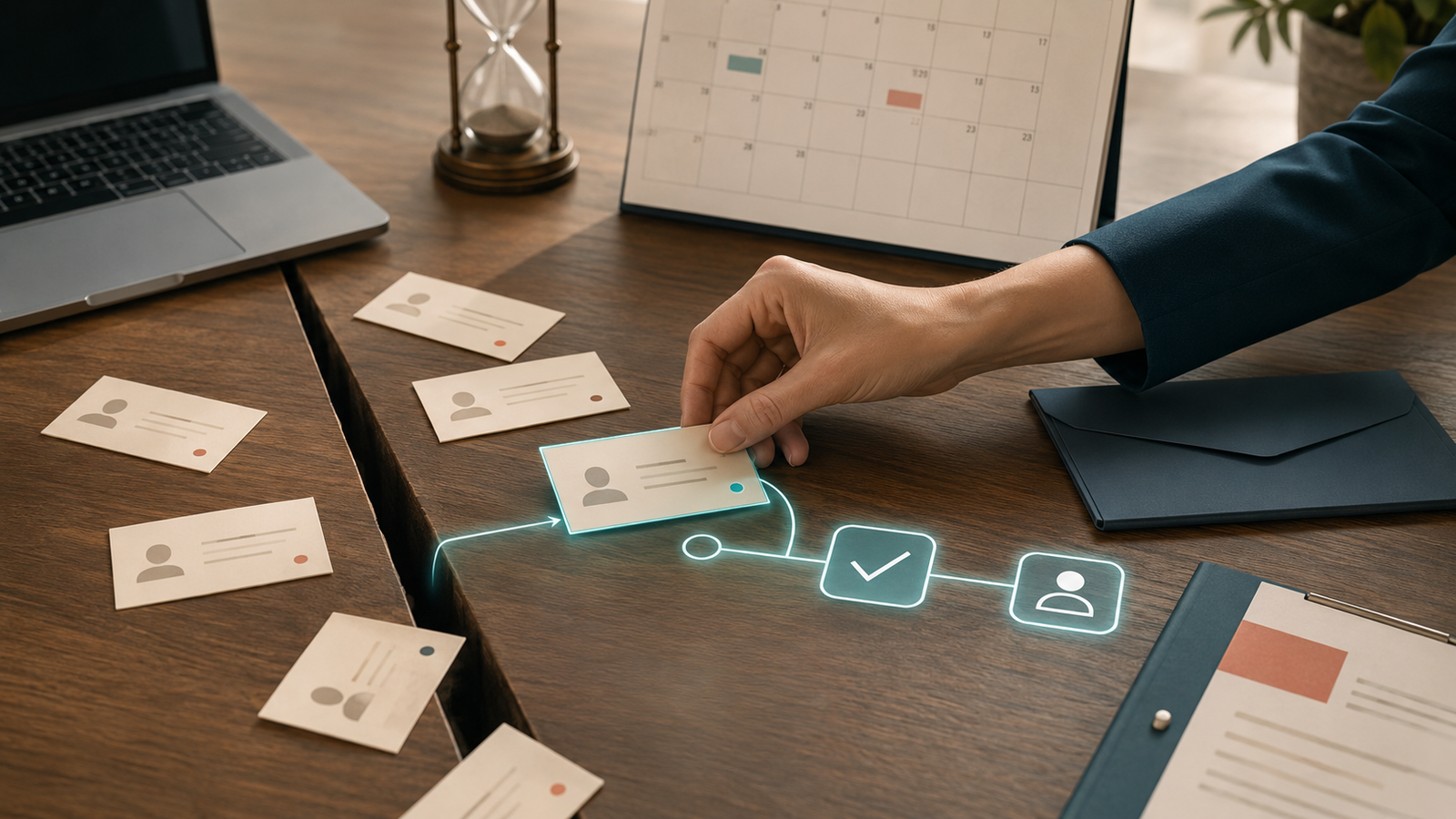
The appointment was on your calendar.
You prepared. You reviewed their information. You blocked the time.
Then the meeting started with one participant:
You.
Ten minutes pass. No message. No cancellation. Just an empty Zoom room or an unused appointment slot where actual revenue could have been.
It is frustrating. But before you label the person a bad lead and move on, pause.
A no-show is not always a no.
Sometimes it is a calendar mistake, a sick child, a meeting that ran over, a forgotten time zone, a burst of anxiety, or an ordinary day going completely sideways.
If your process ends the moment someone misses an appointment, you may be throwing away a lead who already showed enough interest to book.
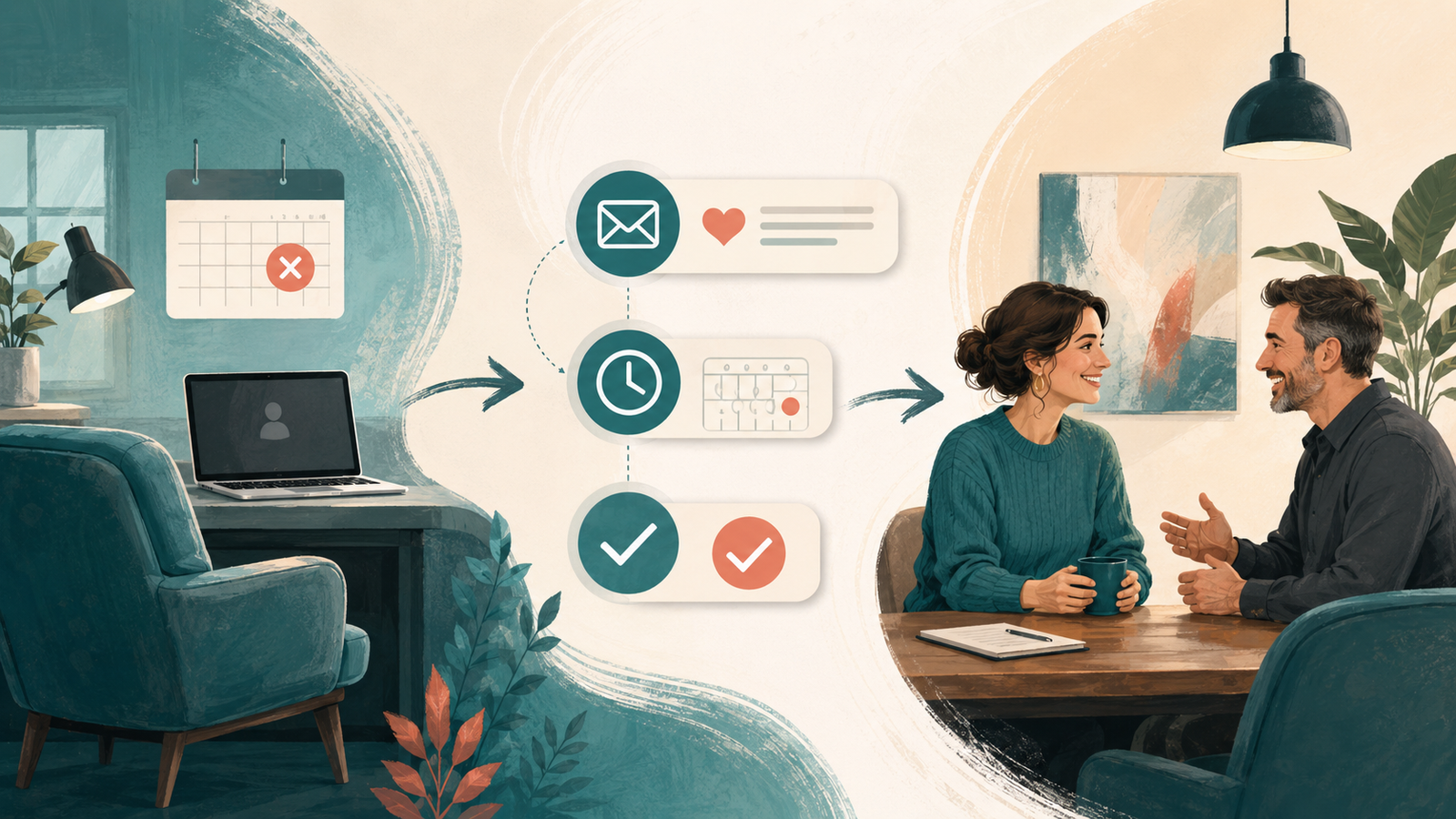
A no-show follow-up workflow gives that person a respectful way back into the conversation—without requiring you to chase them manually or pretend the empty slot did not cost you anything.
Why good leads miss appointments
Booking and showing up are two separate decisions.
When someone books, the problem feels immediate. The conversation seems useful. They choose a time and feel productive.
Then life continues.
By the day of the appointment, they may have:
- Forgotten why the call felt urgent
- Lost the calendar invitation
- Booked in the wrong time zone
- Become nervous about a sales conversation
- Realized they are not sure what to prepare
- Had another commitment run late
- Missed or ignored a generic reminder
None of that guarantees they were never serious.
It means the system did not carry enough momentum from booking to attendance—or life simply won that round.
This is closely related to why interested leads go cold. Silence and friction create space for urgency to fade. A strong appointment system reduces that space before the meeting and responds intelligently after a no-show.
The first goal is prevention
The best no-show workflow begins before someone misses the appointment.
Your booking automation should include:
- An immediate confirmation
- A calendar invitation with the correct time zone
- A clear explanation of what the meeting is for
- Simple preparation instructions
- A reminder the day before
- A shorter reminder before the appointment
- An easy rescheduling link
Make the reminders useful. “Your appointment is tomorrow” covers the date but not the uncertainty.
A stronger reminder might say:
We are set for tomorrow at [time]. We will use the call to look at [specific topic or goal]. You do not need to prepare anything formal—just bring any questions you want to cover. If the time no longer works, you can reschedule here: [link].
This helps the lead remember why they booked and lowers the mental effort required to show up.
Appointment confirmation is one of the systems covered in 7 Marketing Automations Every Service Business Needs. But even a great reminder sequence will not prevent every no-show. That is where recovery begins.
What should happen when someone does not show up?
A good no-show follow-up workflow should:
- Recognize that the appointment was missed
- Stop any reminders that no longer make sense
- Send a calm, timely message
- Offer an easy way to reschedule
- Notify you or your team
- Create a personal follow-up task when appropriate
- Move the lead to the correct CRM stage
- Close the loop if they remain unresponsive
The workflow should feel helpful, not disciplinary.
You are not the middle-school attendance office.
Step 1: Send a warm no-show message
The first message should acknowledge that you missed each other and make rescheduling easy.
Do not shame the person. Do not lead with your cancellation policy. Do not write a paragraph about how valuable your time is—even though it is.
Start by recovering the conversation.
Simple no-show email
Subject: We missed you today
Hi [First Name],
We missed you for our appointment today. I know schedules can go sideways, so if you would still like to talk, you can choose a new time here: [link].
If something has changed and the conversation is no longer relevant, that is completely fine too. Just let me know so I can update things on my end.
Best,
[Name]
Simple no-show text
Hi [First Name], we missed you for your appointment today. If you would still like to meet, you can reschedule here: [link]. If your plans changed, just let me know.
The message gives them two comfortable options: reschedule or close the loop.
Step 2: Make rescheduling easier than apologizing
People often avoid responding because they feel embarrassed.
If returning requires a long explanation, a phone call, and a formal apology, some leads will choose disappearance instead.
Your rescheduling process should be simple:
- Use a direct rescheduling link
- Show the correct time zone
- Avoid making them complete the entire application again
- Carry relevant contact details into the new appointment
- Confirm the new time immediately
- Restart the correct reminder sequence
Removing friction does not mean pretending the missed appointment did not matter. It means choosing the response most likely to recover the opportunity.
Step 3: Follow up with context, not guilt
If the person does not reschedule after the first message, a second follow-up can remind them why the conversation mattered.
Keep it tied to the original reason they booked.
Contextual follow-up example
Subject: Is this still something you want to solve?
Hi [First Name],
I wanted to follow up once more about our missed appointment. You originally booked because you wanted help with [problem or goal].
If that is still a priority, you can choose a new time here: [link]. If the timing is not right, reply and tell me “later” and I will stop nudging you for now.
Best,
[Name]
This is more useful than sending “You forgot to rebook.” It reconnects the action to the reason behind it.
Step 4: Add a personal touch for valuable opportunities
Not every no-show needs individual attention.
But if the person is a strong fit, came through a referral, completed a detailed application, or represents a meaningful opportunity, your system should create a personal follow-up task.
That might mean:
- A quick personal email
- A short voice note
- A phone call
- A message referencing something specific from their application
Automation handles the timing and organization. You decide whether the relationship deserves a more personal response.
This is exactly where CRM automation supports human follow-up. The system remembers who needs attention. The human provides context and judgment.
Step 5: Close the loop
If the lead does not reply or reschedule, do not keep the appointment opportunity open forever.
Send one final message and move the contact to a clear stage such as:
- No-show—unresponsive
- Long-term nurture
- Follow up later
- Closed—no decision
Close-the-loop example
Subject: Closing this out for now
Hi [First Name],
I have not heard back, so I am going to close this out for now rather than keep filling your inbox.
If you want to revisit [topic or service] later, you are welcome to reach out or book a new time here: [link].
Best,
[Name]
Clear does not have to mean cold.
The lead knows the door is open, and your pipeline stops pretending an inactive opportunity is still moving.
Should you charge a no-show fee?
Maybe.
A fee can make sense when an appointment reserves service capacity, prevents someone else from booking, or involves preparation that cannot be recovered. Medical, wellness, beauty, and other appointment-based businesses often need firmer policies than a free discovery-call model.
But a fee is a policy decision—not a substitute for reminders and follow-up.
If you use one:
- Explain it clearly before booking
- Include it in confirmation messages
- Make cancellation and rescheduling easy
- Apply it consistently
- Allow reasonable judgment for genuine emergencies
Do not surprise someone with a fee they never saw and then expect the relationship to remain warm.
When should no-show automation stop?
The workflow should stop or change when the person:
- Reschedules
- Replies personally
- Asks not to be contacted
- Says the service is no longer relevant
- Books through another path
- Becomes a client
This sounds obvious until someone reschedules and receives an email the next morning saying, “We noticed you still have not booked.”
Your system should respond to behavior, not march through messages regardless of reality.
Common no-show follow-up mistakes
Taking the no-show personally
Your frustration is valid. It is also not a useful email strategy.
Write the workflow when you are calm, not immediately after staring alone at your camera for fifteen minutes.
Sending only a rescheduling link
A bare link can feel transactional. Add one sentence acknowledging what happened and reminding them why the meeting may still be useful.
Following up forever
One or two thoughtful recovery messages are reasonable for many businesses. An endless pursuit turns a missed appointment into a strange long-term relationship nobody requested.
Failing to change the CRM stage
If the appointment remains marked “booked” or “active opportunity,” your pipeline reporting becomes fiction.
Ignoring patterns
If many people miss the same type of appointment, the problem may not be the leads.
Look at:
- How far in advance people book
- Whether time zones are clear
- When reminders are sent
- Whether the meeting value is explained
- How long the appointment is
- Whether your booking process attracts low-intent leads
A recurring no-show problem is data. Use it.
What should you measure?
Track:
- Appointments booked
- Attendance rate
- Cancellation rate
- No-show rate
- Number of no-shows who reschedule
- Number of recovered appointments that become clients
- Which reminder messages lead to rescheduling
The goal is not zero no-shows. Humans will remain inconveniently human.
The goal is fewer preventable no-shows and a reliable way to recover the ones still worth pursuing.
The bottom line
A no-show costs time. It can also trigger an emotional reaction that makes it tempting to write the person off immediately.
But someone already chose a time, gave you their information, and expressed interest in solving a problem.
That deserves a better ending than silence.
Confirm appointments clearly. Remind people why the meeting matters. Make rescheduling easy. Follow up without shame. Add a personal touch when the opportunity warrants it. Then close the loop.
You will not recover every missed appointment.
You do not need to.
You only need to stop losing the recoverable ones by default.
Frequently asked questions
How soon should I follow up after a no-show?
Send the first message soon enough that it is clearly connected to the missed appointment. Acknowledge the no-show calmly and provide an easy rescheduling option.
How many times should I follow up with a no-show?
For many service businesses, an immediate recovery message, one contextual follow-up, and a final close-the-loop message are enough. Adjust based on the value of the opportunity and the relationship.
What should a no-show message say?
Acknowledge that you missed them, avoid blame, offer a direct rescheduling link, and give them permission to say the timing or service is no longer right.
Should no-shows go back into a nurture sequence?
Some should. If the person was a good fit but the timing changed, move them into a relevant long-term nurture path rather than continuing appointment reminders. Segment them based on what actually happened.
Can appointment reminders prevent all no-shows?
No. They can reduce confusion and forgotten appointments, but emergencies, schedule changes, and hesitation will still happen. That is why the recovery workflow matters.
Kieffer Media builds appointment reminders, no-show recovery, CRM, and follow-up workflows for service businesses that want fewer empty calendar slots and fewer leads disappearing after they book. If your current process ends when someone does not show, let’s build what happens next.