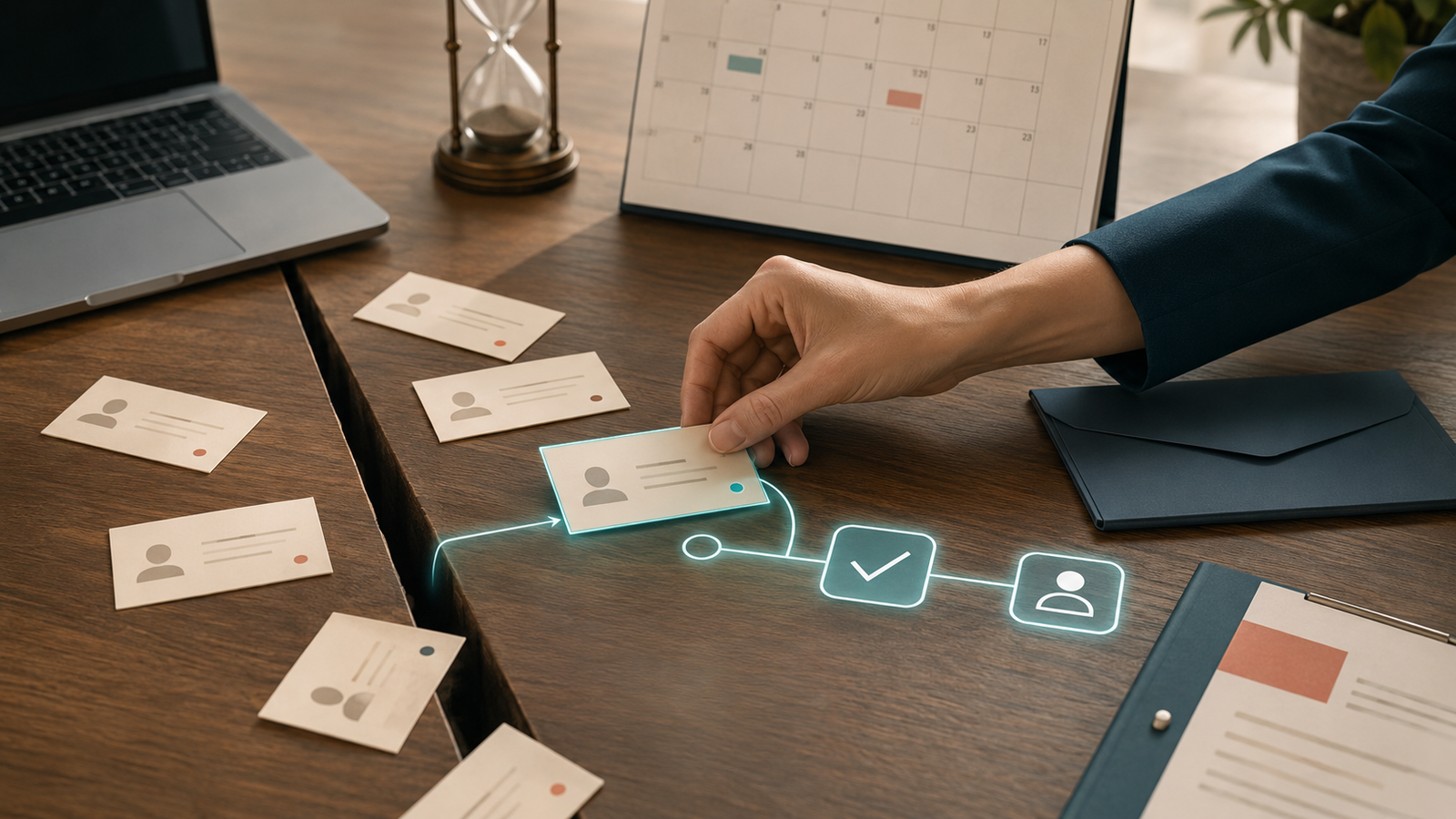
You hear the notification.
Someone filled out your contact form.
For a second, it feels like the marketing worked. And it did—partly. Someone found you, saw enough value to reach out, and raised their hand.
Then the form submission lands in an inbox.
Maybe you reply when you finish what you’re doing. Maybe a team member assumes someone else handled it. Maybe the notification gets buried between a receipt, a calendar reminder, and seventeen emails you never asked to receive.
That is where a promising lead quietly becomes a missed opportunity.
Your contact form is not the follow-up system. It is only the front door.
What happens after someone walks through it determines whether they become a conversation, a client, or another name sitting untouched in your inbox.
What should happen after someone fills out your contact form?
A good contact form follow-up system should do more than send you an email notification.
It should immediately:
- Confirm that the message was received
- Save the lead in the right place
- Record what they are interested in and where they came from
- Notify the right person with enough context to respond
- Give the lead a clear next step
- Continue following up if they do not respond right away
None of those steps are complicated on their own. The trouble is that most businesses rely on a human remembering to do all six, every time, while also serving clients, answering calls, sending proposals, and doing the actual work.
That works beautifully until it doesn’t.
The dangerous gap between “submitted” and “someone will get back to you”
When someone completes your form, their attention is already on the problem you solve. They may be comparing providers, trying to make a decision, or finally dealing with something they have put off for months.
That moment has momentum.
A generic confirmation page that says “Thanks! We’ll be in touch” does very little to protect it. The lead does not know when you will respond, what will happen next, or whether the form even worked.
Meanwhile, you may not know:
- Which service they are asking about
- Whether they are ready to book or only gathering information
- How they found you
- Whether anyone on your team has responded
- When the next follow-up should happen
The problem is not that you need a prettier form.
You need a system on the other side of it.
The six parts of an effective contact form follow-up system
1. Clean lead capture
The form submission should create or update a contact in your CRM automatically. The lead’s name, email address, phone number, requested service, and message should arrive together—not scattered across inboxes or copied manually into a spreadsheet later.
The system should also track the lead source when possible. If someone came from a referral, a Google search, an ad, or a specific campaign, that information helps you understand which marketing is producing real inquiries.
Otherwise, every lead eventually becomes “I think they found us online.” Very scientific.
2. An immediate, useful confirmation
The first response does not need to pretend that a robot is a person. It simply needs to reassure the lead that their message arrived and explain what happens next.
A useful confirmation might say:
- When they can expect a personal response
- Who will contact them
- What information they should have ready
- How to book a call if that is the appropriate next step
- What to do if their request is urgent
“We received your message” is better than silence. “We received your message, here is what happens next” is better than both.
3. A clear internal notification
Your team notification should contain enough information to act immediately. A subject line that says “New form entry” is technically accurate and practically useless.
A better notification identifies the person, the service they want, their message, the lead source, and who owns the response.
If more than one person handles inquiries, the system should assign the lead instead of tossing it into a shared inbox and hoping teamwork happens telepathically.
4. A defined pipeline stage and task
Every new inquiry should enter a visible stage such as:
- New inquiry
- Contact attempted
- Consultation booked
- Proposal sent
- Follow-up needed
- Won or closed
This gives the lead an owner, a status, and a next action. It also lets you see where opportunities are getting stuck.
If your current process depends on searching your inbox to figure out who still needs a reply, you do not have a pipeline. You have an archaeological dig.
5. Follow-up that continues beyond the first reply
One response is not a follow-up strategy.
People get busy. They open an email in the grocery store, plan to respond later, and forget. They need to check a calendar, talk to a partner, or wait until the problem becomes urgent again.
A short automated sequence can keep the conversation open without chasing them relentlessly. Depending on the inquiry, it might include:
- A reminder with the booking link
- An answer to a common question
- A useful article or resource
- A relevant example of your work
- A simple “Do you still need help with this?” check-in
The goal is not to flood their inbox. It is to make the next step easy while their original interest is still relevant.
This is also why leads often go cold even when they were genuinely interested. Silence creates friction, and friction gives everyday life plenty of room to take over.
6. A smart stop rule
Automation should know when to get out of the way.
If the lead books a call, replies personally, becomes a client, or says they are not interested, the generic follow-up sequence should stop or change.
Without that rule, someone can book an appointment on Tuesday and receive an email on Wednesday asking why they have not booked. Nothing says “personal service” quite like being pursued by a system that has no idea what you just did.
Good automation responds to behavior. It does not keep marching forward because someone forgot to turn it off.
What a simple contact form workflow looks like
You do not need a thirty-seven-step automation masterpiece to fix this problem. Start with a minimum viable follow-up system:
- Form submitted: The contact and inquiry details are added to the CRM.
- Confirmation sent: The lead receives a warm message with a clear response window and next step.
- Team notified: The right person gets the full inquiry and an assigned task.
- Pipeline updated: The lead enters the “New inquiry” stage with a follow-up deadline.
- Booking offered: Qualified leads receive the appropriate scheduling link.
- Follow-up triggered: If there is no reply or booking, a short sequence continues the conversation.
- Automation stopped: A reply, booking, or status change removes the lead from messages that are no longer relevant.
That is enough to close the biggest gap for many service businesses.
Once it is working, you can add smarter routing, lead scoring, text messages, proposal follow-up, and re-engagement. But do not use the dream of a perfect system as an excuse to keep relying on no system.
Signs your contact form is currently a dead end
If two or more of these sound familiar, the form is collecting information without reliably moving people forward:
- New inquiries only arrive by email
- You manually copy leads into your CRM or spreadsheet
- Your confirmation message does not explain what happens next
- Follow-up depends on someone remembering
- You cannot quickly see which inquiries still need a response
- Every lead receives the same reply regardless of what they requested
- There is no follow-up if the lead does not respond to the first email
- You do not know how many form submissions become booked calls or clients
The contact form may look fine from the outside. The revenue leak is behind it.
Automation does not replace the human response
This is where people sometimes get nervous. They assume automating contact form follow-up means handing the entire relationship to software.
It should not.
The system handles the predictable pieces: confirmation, organization, reminders, routing, and timing. That gives you more room to handle the part that actually needs a human—listening, answering the real question, and deciding how you can help.
Good automation does not remove the personal touch.
It makes sure the personal touch happens before the opportunity disappears.
If you want a broader look at how these pieces connect, read CRM Automation for Service Businesses: How to Stop Losing Leads Between Inquiry and Sale.
The bottom line
Getting someone to fill out your contact form is not the finish line. It is the handoff between your marketing and your sales process.
If that handoff relies on an inbox, a sticky note, or your memory at the end of a long day, leads will slip through—even when your marketing did its job perfectly.
You do not necessarily need more inquiries.
You need a better plan for the ones already raising their hands.
Frequently asked questions
How quickly should I respond to a contact form submission?
Send an automated confirmation immediately, then provide a personal response within the timeframe you promised. The exact window depends on your business, but the lead should never be left wondering whether the form worked or when they will hear from you.
What should an automated contact form reply say?
Confirm that the message was received, explain who will respond and when, and provide the most useful next step. That may be a booking link, preparation instructions, an emergency contact option, or a relevant resource.
Do I need a CRM to automate contact form follow-up?
A CRM is the most reliable way to track ownership, status, and ongoing follow-up, especially as inquiry volume grows. A basic email automation can handle the confirmation, but it will not give you the same visibility into the full sales process.
Will automated follow-up make my business feel impersonal?
Not if it is written and timed well. A helpful confirmation and relevant reminder feel more attentive than silence. Use automation for predictable communication and bring in a human when the conversation needs judgment, empathy, or a customized answer.
Kieffer Media builds done-for-you lead capture, CRM, and follow-up systems for service businesses that are tired of losing good opportunities between “form submitted” and “let’s get started.” If your current process stops at an inbox notification, let’s fix what happens next.