Automation does not make your business sound robotic.
Bad automation does.
A well-timed confirmation that answers the exact question someone is asking can feel thoughtful. A “personalized” email that says, “Hello {{contact.first_name}}, your journey matters to us,” feels like software wearing a fake mustache.
The difference is not whether a message was sent automatically.
The difference is whether the message understands why it is being sent, what the person needs now, and when a human should take over.
Human-sounding automated follow-up is not about tricking people into believing you typed every word personally.
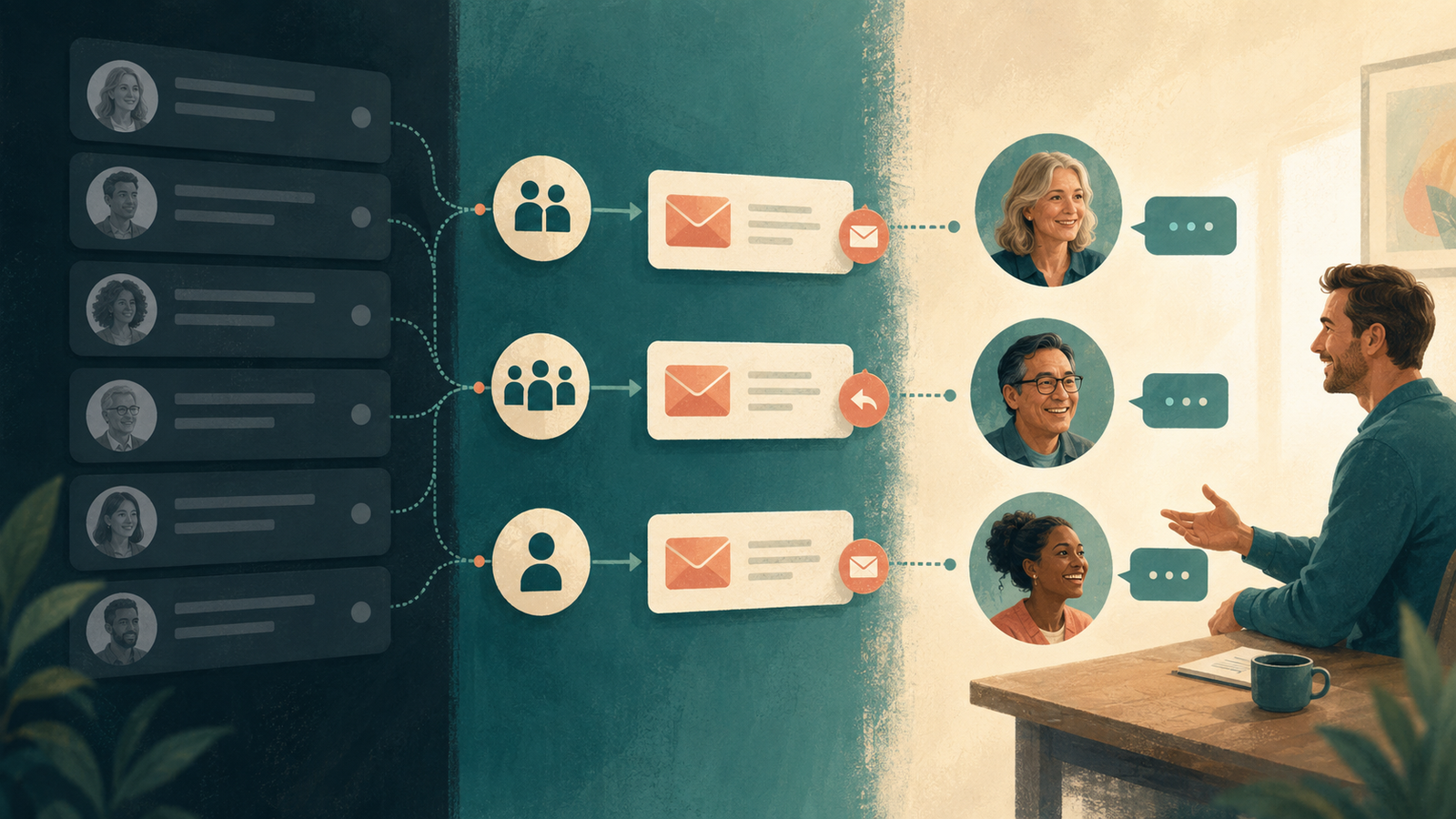
It is about writing clear, relevant messages and building workflows that respond to actual behavior.
Your automation should feel organized.
It should not feel like it escaped from a corporate template library in 2014.
Why automated follow-up often feels robotic
The writing gets blamed first, but the real problem is usually a combination of bad copy and bad logic.
A message feels robotic when it:
- Could have been sent to anyone
- Pretends to be more personal than it is
- Uses stiff or inflated language
- Ignores what the person just did
- Arrives at the wrong time
- Asks for an action they already completed
- Continues after the person replies
- Creates fake urgency
- Sends too much without saying anything useful
You can write beautiful copy and still ruin it with a workflow that sends “Have you booked yet?” ten minutes after the person books.
The message and the system have to work together.
Do not pretend automation is personal correspondence
People are not offended that a business uses automation.
They are offended when the automation wastes their time, ignores reality, or tries too hard to fool them.
You do not need to announce “THIS IS AN AUTOMATED MESSAGE” at the top of every confirmation. You also do not need to write as though you personally watched their form submission arrive while sitting beside a fireplace.
Be honest about what the message is doing:
- Confirming an inquiry
- Delivering a requested resource
- Reminding them about an appointment
- Checking whether a proposal is still active
- Offering a way to reschedule
Useful beats theatrically personal.
The four-part framework for human-sounding automated follow-up
Most follow-up messages need four things:
- Context: Why is the person receiving this?
- Confirmation: What happened successfully?
- Next step: What should they expect or do now?
- Exit or handoff: How can they reply, get help, or stop irrelevant messages?
Not every message needs four separate paragraphs. A short text can cover everything in two sentences.
Example
Hi [First Name], this is [Business Name]. We received your request about [service]. [Name or team] will review it and respond by [realistic timeframe]. If you want to add anything, reply here.
The message works because it is specific, useful, and easy to answer.
This is the writing layer behind a strong contact-form follow-up system. The workflow captures and routes the lead. The message reassures the human on the other side.
Principle 1: Write from the trigger
Every automated message begins with an action:
- Someone submitted a form
- They missed a call
- They downloaded a guide
- They booked an appointment
- They did not attend
- You sent a proposal
- They stopped engaging
Start with that context.
Generic:
Thank you for your interest in our services. We value your business and look forward to serving your needs.
Human:
Thanks for reaching out about your follow-up system. I received your message and will review the details before I respond.
The second message does not use cleverer words. It uses relevant ones.
Principle 2: Set real expectations
“We will get back to you shortly” is not an expectation.
It is a fog bank.
Tell people what happens next and when:
- We respond within one business day
- You will receive the guide in a separate email
- Your appointment is confirmed for Tuesday at 2:00 p.m. Eastern
- I will follow up Thursday after you review the proposal
- Our office is closed, but we will respond tomorrow morning
Do not promise speed your business cannot deliver.
A slower honest timeframe feels more professional than “right away” followed by silence.
Principle 3: Give each message one job
A confirmation email does not also need to introduce your origin story, list every service, request a review, promote three blog posts, and invite someone to follow six social accounts.
Choose the primary purpose:
- Confirm
- Deliver
- Remind
- Clarify
- Invite
- Recover
- Close the loop
One message can include a secondary link, but the next step should be obvious.
When everything is a call to action, nothing is.
Principle 4: Use natural language
Read the message aloud.
If you would never say the sentence to a client, do not make your automation say it for eternity.
Robotic:
We are reaching out in regard to your recent inquiry to ascertain whether you require further assistance.
Human:
Do you still need help with this?
Robotic:
Please be advised that your scheduled appointment is approaching.
Human:
A quick reminder that we are meeting tomorrow at 10:00 a.m.
Plain language is not unprofessional.
It is considerate.
Principle 5: Personalize with context, not decoration
A first-name field does not make an email personal.
Context does.
Useful personalization includes:
- The service they asked about
- The resource they downloaded
- The appointment time
- The problem they identified
- The pipeline stage
- The previous conversation
- The lead source when relevant
Decorative personalization includes forcing the person’s first name into every paragraph like you are trying to pass a memory test.
Use data only when it improves the message. And make sure the field is reliable.
“Hi there” is better than “Hi FNAME.”
Principle 6: Respond to behavior
Human communication changes when the other person acts.
Your automation should too.
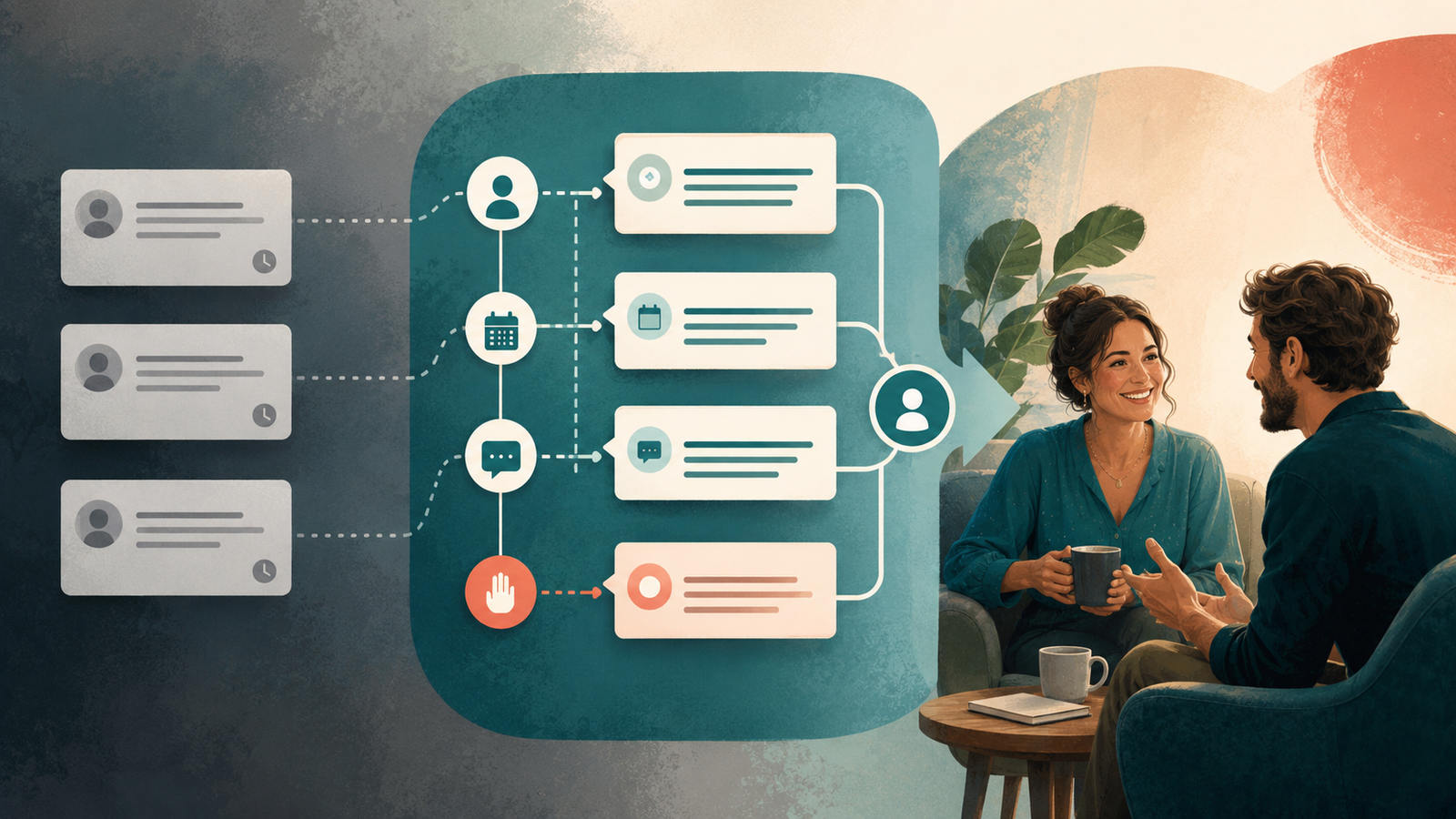
Stop or change the workflow when someone:
- Replies
- Books
- Reschedules
- Purchases
- Signs a proposal
- Declines
- Unsubscribes
- Moves into another stage
This is where many systems fail. The messages may sound warm individually, but the sequence behaves like nobody is listening.
A good CRM automation workflow uses triggers, goals, and stop conditions to keep communication aligned with reality.
Principle 7: Know when a human should take over
Automation is excellent at:
- Immediate confirmation
- Routine reminders
- Delivering resources
- Creating tasks
- Organizing contacts
- Sending standard next steps
A human is better at:
- Complex questions
- Emotional concerns
- Custom pricing or scope
- Sensitive situations
- Unexpected replies
- High-value decisions
The system should make the handoff fast and visible.
Automation that receives a meaningful reply and hides it in a dashboard is not saving time. It is quietly manufacturing a new problem.
Before and after: contact-form confirmation
Before:
Thank you for contacting us. Your submission has been received. A representative will contact you shortly.
After:
Thanks for reaching out about [service]. Your message came through, and I’ll review the details before responding within one business day. If there is anything else I should know, reply to this email.
The improved version confirms the action, names the topic, sets a timeframe, and makes replying easy.
Before and after: missed-call text
Before:
We are sorry we were unable to take your call. Please visit our website for more information.
After:
Hi! This is [Business Name]. Sorry we missed your call. How can we help? You can reply here, and someone will get back to you during business hours.
The improved version opens a conversation instead of sending the person somewhere else to do more work.
See the complete missed-call text-back workflow for the triggers and handoff behind the message.
Before and after: lead magnet delivery
Before:
Here is your download. Click below to book a discovery call.
After:
Here is your [resource]: [link]
Start with [specific section]—it will help you identify [quick win]. Tomorrow, I’ll send one practical way to use what you find.
The improved version delivers first, helps the subscriber begin, and creates a natural bridge into nurture.
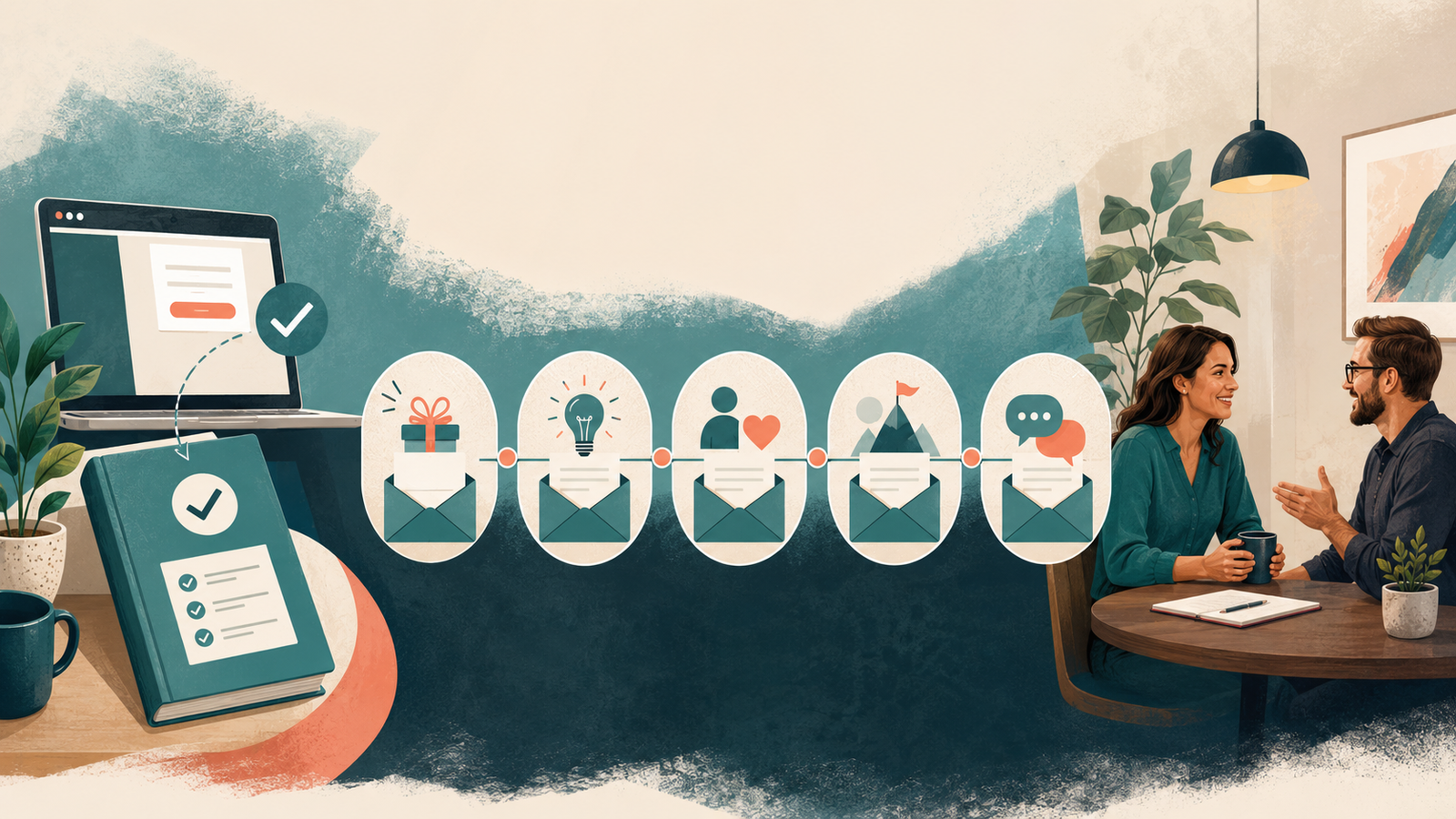
That approach is part of the five-email lead magnet nurture sequence.
Before and after: appointment reminder
Before:
Reminder: You have an appointment tomorrow.
After:
A quick reminder that we are meeting tomorrow at [time and time zone] to discuss [topic]. You do not need to prepare anything formal. If the time no longer works, reschedule here: [link].
The improved version reduces uncertainty and makes changing the appointment easier than disappearing.
Before and after: no-show recovery
Before:
You missed your appointment. Please contact us if you wish to reschedule.
After:
We missed you today. I know schedules can go sideways, so if you would still like to meet, you can choose a new time here: [link]. If your plans changed, just let me know.
The improved version does not shame the lead and removes friction from the next step.
Use it inside a complete no-show follow-up workflow that updates the CRM and stops irrelevant reminders.
Before and after: proposal follow-up
Before:
Just checking in to see if you reviewed my proposal.
After:
I wanted to follow up as promised. Does the proposed scope match what you expected, or is there anything you need clarified before making a decision?
The improved version gives the person a useful question to answer.
A strong proposal follow-up system also sets expectations before the proposal is sent and closes the loop respectfully.
Before and after: cold lead reactivation
Before:
We noticed you have not engaged recently. We miss you! Take 20% off if you book today.
After:
You reached out a while ago about [problem], but the timing did not come together. Is this still something you want to solve, or has the priority changed? Either answer is completely fine.
The improved version acknowledges the history and asks an honest question without inventing urgency.
How to audit your automated messages
Review each workflow and ask:
- Why is this message being sent?
- Does the message clearly reflect that trigger?
- Does it set a realistic expectation?
- Is there one obvious next step?
- Would I say this sentence to a real client?
- Does personalization add useful context?
- What stops the message if the person acts?
- When does a human get notified?
- Could this message arrive after it is no longer relevant?
- Does the recipient have an easy way to reply or opt out when appropriate?
Then test the workflow yourself.
Submit the form. Miss the call. Download the resource. Book and reschedule. Reply to the email. Click the link.
Your automation diagram may look flawless while the actual experience feels like being trapped in a conversation with a very polite filing cabinet.
Test from the customer’s side.
The bottom line
Automation should not sound human because it successfully fooled someone.
It should feel human because it respects context, time, attention, and choice.
Write from the trigger. Set real expectations. Give each message one job. Use plain language. Personalize with useful context. Respond to behavior. Hand off to a human when judgment is required.
The software sends the message.
Your strategy determines whether the message deserves to be sent.
Frequently asked questions
How do I make automated emails sound more personal?
Use context from the person’s actual action, set a clear expectation, and write in plain language. Personalization is more than inserting a first name; mention the service, resource, appointment, or problem that caused the message.
Should I tell people a message is automated?
Do not pretend a routine confirmation was personally typed in real time. You do not need a warning label on every message, but the wording should honestly reflect what the system knows and what will happen next.
How long should an automated follow-up message be?
Long enough to complete its job and no longer. Confirmations, reminders, and texts are usually short. Educational nurture emails may need more context. Keep one primary purpose per message.
When should automation stop?
Stop or change the workflow when the person replies, books, reschedules, buys, signs, declines, unsubscribes, or enters another stage that makes the current messages irrelevant.
What should never be fully automated?
Complex questions, sensitive situations, custom pricing, emotional concerns, and high-value decisions generally need human judgment. Automation should identify and route those moments quickly.
Kieffer Media builds automated follow-up systems that sound clear, useful, and human because the strategy behind them understands what the lead actually needs. If your workflows currently send technically correct messages at spectacularly wrong moments, let’s fix both the copy and the logic.